
Category: SEO Tools

  • 5 Free Website Audit Tools Every Business Owner Should Use in 2026

    5 Free Website Audit Tools Every Business Owner Should Use in 2026

    5 Free Website Audit Tools Every Business Owner Should Use in 2026

    You do not always need an expensive SEO subscription to find important problems on a business website. Several free tools can help you check search visibility, technical SEO, page speed, backlinks and on-page issues.

    The important thing is to understand what each tool actually checks. A speed tester is not a full SEO crawler, and Google Search Console is not a competitor research platform.

    Quick Comparison

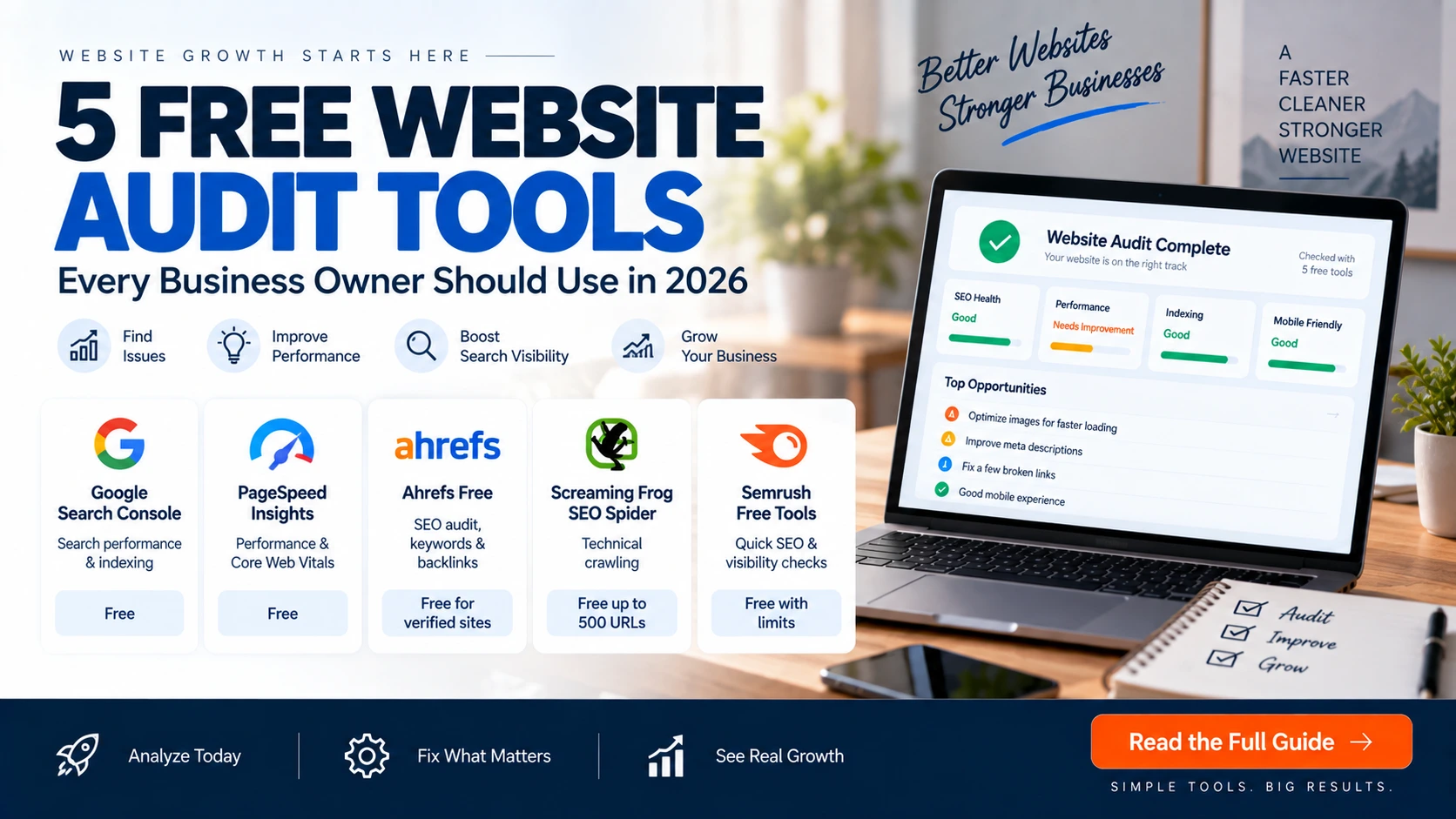
    ToolBest ForFree Access
    Google Search ConsoleGoogle search performance & indexingFree
    PageSpeed InsightsPerformance & Core Web VitalsFree
    Ahrefs FreeSEO audit, keywords & backlinksFree for verified sites with limits
    Screaming Frog SEO SpiderTechnical crawlingFree up to 500 URLs
    Semrush Free ToolsQuick SEO & visibility checksFree tools with individual limits

    1. Google Search Console

    Google Search Console should be the first tool on this list for a business website because it provides first-party information about how your verified property performs in Google Search.

    You can review search queries, clicks, impressions, CTR, average position, indexing information and other reports.

    Best for

    • Finding queries already bringing impressions
    • Finding pages receiving Google traffic
    • Investigating indexing problems
    • Submitting and checking sitemaps
    • Monitoring search performance

    Limitation: Search Console is mainly about your own verified property. It is not a complete competitor research database.

    2. Google PageSpeed Insights

    PageSpeed Insights is useful when you want to understand how a page performs and where performance improvements may be needed.

    Use it to check

    • Performance issues
    • Core Web Vitals-related metrics
    • Large or inefficient resources
    • Opportunities to improve loading
    • Mobile and desktop performance

    Do not treat a single score as the entire SEO health of a website. Speed is one part of the overall website experience.

    3. Ahrefs Free

    Ahrefs currently offers a free account with limited access to several tools. For verified websites, Ahrefs Free includes Site Audit and Site Explorer functionality.

    Ahrefs says its Site Audit can identify more than 170 technical and on-page SEO issues. Its free limits currently include up to 5,000 crawl credits per verified project per month and up to 1,000 backlinks and keywords visible at once.

    Best for

    • Technical SEO auditing
    • Finding on-page issues
    • Reviewing organic keywords for your own verified site
    • Checking backlink information
    • Finding internal linking opportunities

    Limitation: Free access has data and usage limits, and deeper competitive research requires paid access.

    4. Screaming Frog SEO Spider

    Screaming Frog is a desktop crawler that is particularly useful for technical SEO. Its free version can crawl up to 500 URLs per crawl.

    What it can help identify

    • Broken links and errors
    • Redirects
    • Missing or duplicated titles
    • Missing or duplicated meta descriptions
    • Robots directives
    • Duplicate pages
    • Internal URL issues

    Limitation: The free version has a 500-URL crawl limit and several advanced features are reserved for the paid licence.

    5. Semrush Free Tools

    Semrush provides a collection of free tools for individual SEO and marketing tasks. Its current free collection includes an SEO Checker, Website Authority Checker, Google SERP Simulator, Sitemap Generator and Competitor Finder.

    Useful for

    • Quick website SEO checks
    • Testing search-result snippets
    • Checking website authority
    • Generating XML sitemaps
    • Finding competitors

    Limitation: Individual free tools have their own limits and do not provide the complete depth of a paid Semrush subscription.

    Which Tool Should You Use?

    Your GoalStart With
    Check Google traffic and queriesGoogle Search Console
    Check page speedPageSpeed Insights
    Audit your verified websiteAhrefs Free
    Crawl a small websiteScreaming Frog
    Perform a quick SEO taskSemrush Free Tools

    Don’t Forget Your Images

    Website audits often reveal that images are unnecessarily large. Before uploading images, check their dimensions, file size and format.

    The OptiNest Free Tools collection includes image compression, image resizing and JPG, PNG and WebP conversion tools.

    A Simple Free Website Audit Workflow

    1. Search Console: Check Google search performance and indexing.
    2. PageSpeed Insights: Check performance.
    3. Ahrefs Free: Run a deeper technical and on-page audit on your verified site.
    4. Screaming Frog: Crawl the website and look for structural and metadata problems.
    5. Semrush Free Tools: Perform additional quick SEO and SERP checks.
    6. Fix the biggest issues first: Do not try to repair everything at once.

    Can Free Tools Replace a Professional SEO Audit?

    For a small website, free tools can reveal many important issues. A professional audit can go further by combining technical findings with business goals, search intent, conversion data, content strategy and competitive research.

    Final Verdict

    In 2026, a business owner can perform a useful first website audit without paying for an expensive SEO platform.

    Use Google Search Console for search data, PageSpeed Insights for performance, Ahrefs Free for broader SEO auditing, Screaming Frog for technical crawling and Semrush Free Tools for quick SEO tasks.

    If your website needs deeper development, SEO or conversion work, OptiNest Solutions can help turn audit findings into practical improvements.

    Frequently Asked Questions

    What is the best free website audit tool?

    There is no single best tool for every purpose. Google Search Console is excellent for search performance, PageSpeed Insights for performance, Ahrefs Free for verified-site SEO auditing and Screaming Frog for technical crawling.

    Is Ahrefs Free really free?

    Yes. Ahrefs currently offers a free account with limited access. Some website-specific features require ownership verification and the account has usage limits.

    How many URLs can Screaming Frog crawl for free?

    The free version currently allows up to 500 URLs per crawl.

    Can website audit tools improve SEO automatically?

    Most audit tools identify problems and provide recommendations. You generally still need to implement the fixes.

    Should small businesses pay for SEO tools?

    Not necessarily. Start with free tools and upgrade when your needs require deeper competitor data, larger crawls, advanced reporting or more automation.
  • RankYak Launches: AI SEO Platform That Researches, Writes & Publishes Content Automatically

    RankYak Launches: AI SEO Platform That Researches, Writes & Publishes Content Automatically

    RankYak Launches an AI SEO Platform Built to Run the Whole SEO Workflow

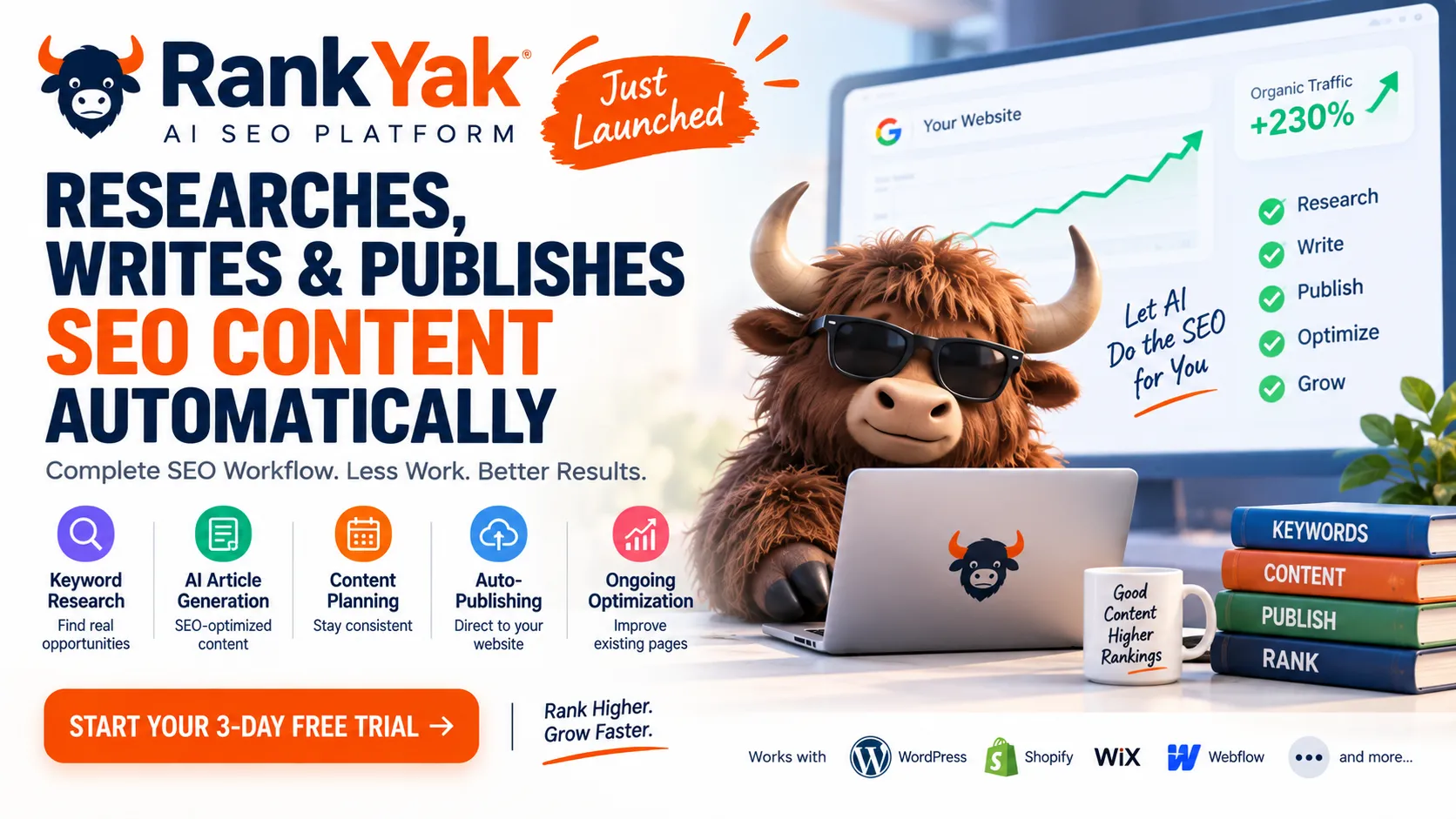
    SEO normally requires several separate jobs: keyword research, content planning, writing, publishing, optimization and link building. RankYak is an AI SEO platform that combines those steps into one workflow.

    Its positioning is simple: connect a website, let RankYak research opportunities, create SEO articles, publish them and keep watching performance after publication.

    The platform’s launch was announced on September 2, 2026, and it is aimed particularly at small businesses, startups and agencies that want to reduce manual SEO work.

    What Is RankYak?

    RankYak is an AI-powered SEO automation platform. Its current product documentation covers keyword discovery, content planning, article generation, publishing, ongoing page optimization and backlink exchange.

    What Can RankYak Actually Do?

    πŸ”Ž Keyword Research

    Finds keywords based on a site’s niche, competitors and authority, then organizes opportunities into topical clusters.

    πŸ“ AI Article Generation

    Starts with live SERP research and search-intent analysis before writing in the site’s brand voice.

    πŸ“… Content Planning

    Creates a monthly publishing plan and lets users reschedule planned articles.

    πŸš€ Auto-Publishing

    Can publish directly to supported CMS platforms or save articles as drafts for review.

    πŸ“ˆ Ongoing Optimization

    Uses Search Console data to identify pages losing performance and prepare optimization on the same URL.

    1. Keyword Research Based on Your Website

    RankYak’s keyword planning is designed around the individual website rather than a generic keyword list. It considers niche, competitors and authority, then groups keywords into topical maps.

    2. It Researches Before Writing

    RankYak says every article begins with live SERP analysis. It studies pages currently ranking for the target keyword, identifies search intent and determines an appropriate structure and length before generating the article.

    The platform also says articles can include citations, internal links, external links, images and YouTube embeds.

    3. RankYak Can Publish Directly to Your Website

    Instead of generating an article and leaving the user to copy and paste it into WordPress, RankYak supports direct publishing. Current integrations include WordPress, Shopify, Wix, Webflow and WordPress.com, with Zapier, Make, RSS, REST API and webhooks for additional workflows.

    4. You Can Choose Drafts Instead of Automatic Publishing

    RankYak provides a draft mode where articles wait for human approval before going live. For businesses, this is the safer approach: use AI for research and production speed, but keep a human review step for important pages.

    5. Site Guard Watches Existing Pages

    RankYak’s Site Guard uses Search Console data to identify pages that are losing performance. Its Page Guard can prepare fixes for weak titles, descriptions and content.

    How Much Does RankYak Cost?

    At the time of research, RankYak lists $99 per month per website on its Pro plan. The annual option is shown as $82.50 per month when billed annually, with two months free. A 3-day free trial is currently advertised.

    The plan includes up to one SEO/GEO article per day on selected publishing days, keyword research, content planning, publishing integrations and automatic content optimization. Pricing can change, so check the official pricing page before purchasing.

    Is RankYak Free?

    RankYak is not a permanently free SEO platform. Its current offer is a paid subscription with a 3-day free trial.

    Who Should Use RankYak?

    • Small businesses without an in-house SEO team
    • Freelancers managing SEO for websites
    • Marketing agencies handling multiple client websites
    • Startups that need consistent organic content
    • Website owners who struggle to publish consistently

    Who Should Probably Not Use It?

    RankYak may not be ideal for businesses that require extensive editorial control, highly specialized research, legal review or complex multi-stage publishing approval.

    RankYak vs a Traditional SEO Workflow

    TaskTraditional workflowRankYak approach
    Keyword researchManual tools & spreadsheetsAutomated site-specific research
    Content planningManual calendarAutomated content plan
    WritingWriter or separate AI toolBuilt-in AI generation
    PublishingManual uploadCMS integrations
    OptimizationManual monitoringSearch Console-driven optimization

    Can RankYak Replace an SEO Specialist?

    No β€” and businesses should not think about it that way. RankYak can automate repetitive execution work, but SEO still requires decisions about positioning, brand, conversion strategy, technical issues, information quality and business goals.

    A better way to think about it is: RankYak can reduce manual SEO production work, while a human remains responsible for strategy and quality.

    What About AI Search Visibility?

    RankYak positions its articles for both traditional search and AI search. However, no platform can guarantee that an article will be cited by ChatGPT, Google or another AI system. Visibility depends on content quality, relevance, authority and how search systems evolve.

    Our Verdict

    RankYak is interesting because it moves beyond the usual AI writer model. Its goal is to automate the entire SEO production pipeline β€” from keyword research to publishing and post-publication optimization.

    For a small business that struggles to publish consistently, it could save substantial manual work. For an agency, the bigger attraction is the ability to standardize SEO production across multiple websites.

    But automation should not mean β€œpublish everything without checking.” The strongest workflow is still AI-assisted execution + human strategy + human quality control.

    Frequently Asked Questions

    What is RankYak?

    RankYak is an AI SEO automation platform that combines keyword research, content planning, article generation, publishing and ongoing optimization.

    How much does RankYak cost?

    The current Pro price is $99 per month per website, with an annual option and a 3-day free trial. Pricing should be checked on the official website because plans can change.

    Can RankYak publish to WordPress?

    Yes. RankYak currently lists WordPress among its direct CMS integrations.

    Can I review articles before publishing?

    Yes. RankYak supports draft publishing so users can review an article before it goes live.

    Is RankYak completely free?

    No. It currently offers a 3-day free trial rather than a permanent free plan.

    Is AI-generated content enough for SEO?

    AI can accelerate content production, but successful SEO still requires useful information, originality, technical health, authority, good internal linking and ongoing performance analysis.

    Want SEO and website automation built around your business? Explore OptiNest Solutions for SEO, custom websites, CRM and business software solutions.