Category: SEO

  • New SEO Tool Alert: SERP Lens 1.0 Is Now Free to Start

    New SEO Tool Alert: SERP Lens 1.0 Is Now Free to Start

    A new SEO tool has just moved from beta to a full 1.0 release — and it is trying to solve a problem many SEO professionals still face: having to jump between a browser, rank tracker, Search Console, technical audit tools and AI assistants just to investigate one page.

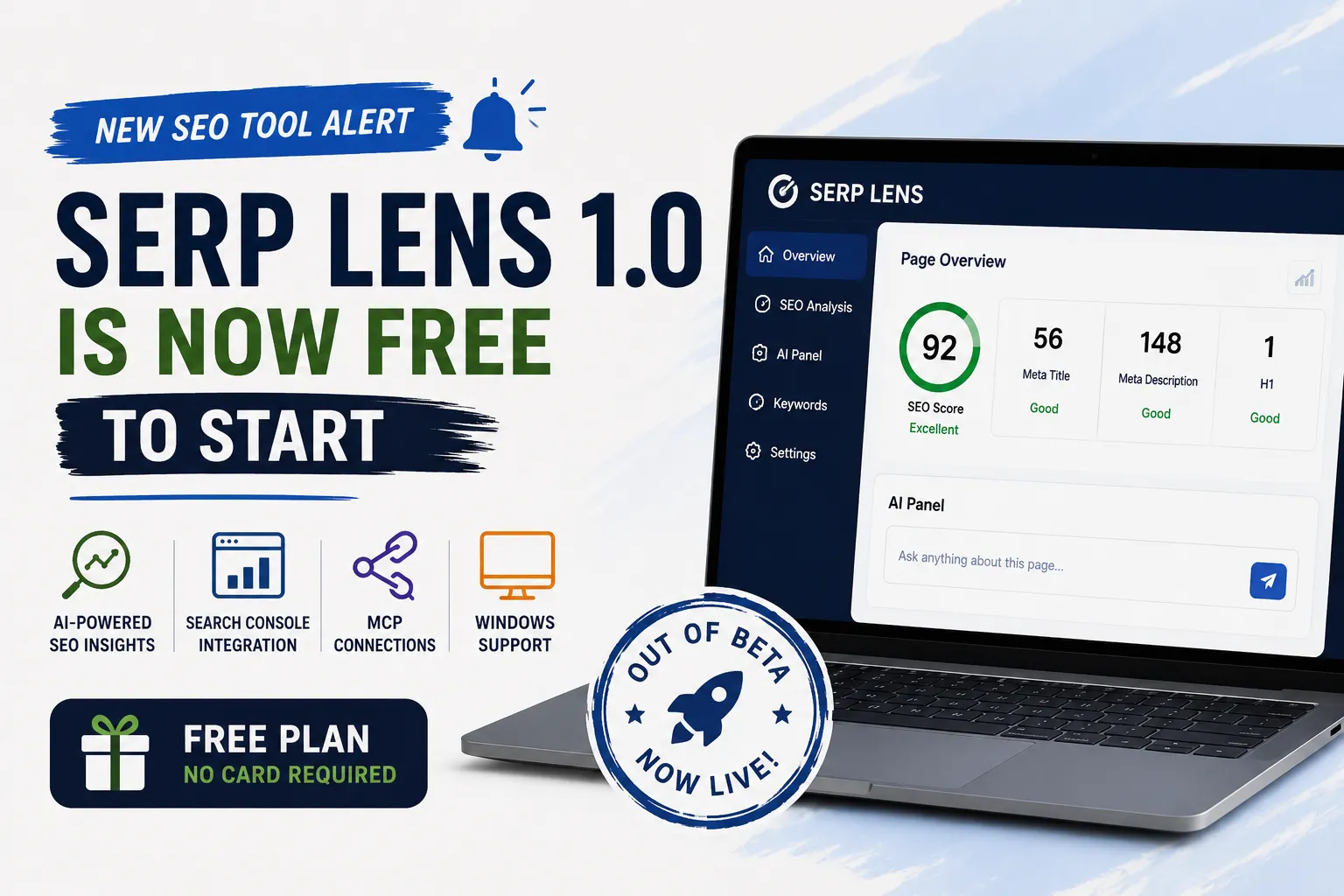
    SERP Lens 1.0 officially launched on August 11, 2026 with a free tier, a Windows version, an AI panel, Search Console integration, MCP connectivity and deeper SEO analysis features.

    What Is SERP Lens?

    SERP Lens is a desktop browser built specifically for SEO work. Instead of looking at SEO data in isolation, it combines the live page, search results, technical analysis and other SEO information inside the browser.

    What Changed With SERP Lens 1.0?

    FeatureWhat It Means
    Free tierCore SEO workflow can be started without a credit card
    Windows releaseThe desktop app is now available on Windows as well as macOS
    AI panelAI can work with SEO context available inside the browser
    MCP accessCompatible AI agents can connect to SERP Lens tools
    Search ConsoleSearch Console data can be viewed within the SEO workflow
    SEO panelsIndexability, sitemap, speed, JavaScript and other analysis panels

    The official 1.0 release confirms the free tier, Windows build, AI panel, MCP access and Search Console integration.

    Is SERP Lens Actually Free?

    Yes, but there is an important distinction between the free plan and paid plans.

    The current free plan is listed at $0/month with no card required. It includes core browser functionality, 30 audit rules and SERP feature detection.

    PlanCurrent PriceHighlights
    Free$0/monthCore panels, 30 audit rules, SERP feature detection
    Pro$39/month300 audit rules, projects, screenshots and AI credits
    Team$50/user/monthAgency features, shared projects and scheduled AI-visibility tracking

    Prices can change, so verify the current pricing before purchasing.

    Why the AI Feature Is Interesting

    The interesting part is not simply that SERP Lens has AI. There are already hundreds of AI-powered SEO products. The more interesting idea is where the AI gets its information.

    SERP Lens says its AI panel can work from the page and SEO information available in the browser, including analysis of the current page and SERP data. It can also run SEO tools and show tool activity while working.

    What Is MCP and Why Does It Matter for SEO?

    MCP, or Model Context Protocol, is becoming an important way for AI assistants to connect to external tools. SERP Lens exposes its tools through MCP, allowing compatible AI assistants and other MCP clients to interact with SERP Lens capabilities.

    For SEO professionals, the bigger idea is simple: instead of asking an AI assistant to guess from pasted SEO data, the assistant can potentially access specialized SEO tools and their outputs.

    What Can Freelancers Use SERP Lens For?

    • Technical SEO investigations
    • Client SEO reviews
    • On-page analysis
    • SERP research
    • AI-assisted SEO workflows
    • MCP-based automation

    SERP Lens vs Traditional SEO Tools

    SERP Lens is not necessarily a replacement for every SEO platform. Large SEO suites can still be better for massive keyword databases, competitor research, backlink intelligence, historical data and enterprise reporting.

    What makes SERP Lens interesting is its browser-first workflow. It brings several pieces of SEO investigation into the same environment where the SEO professional is already looking at the website and search results.

    Who Should Try SERP Lens?

    • SEO freelancers doing technical and on-page audits
    • WordPress developers working on SEO and performance
    • SEO agencies performing client investigations
    • Content professionals checking SERPs and page context
    • AI-focused SEOs interested in MCP and agent workflows

    Our Take: Is SERP Lens Worth Trying?

    Yes — especially because the entry barrier is low. The free plan means freelancers and SEO beginners can test the workflow without immediately committing to another expensive monthly subscription.

    We would not recommend replacing your entire SEO stack immediately. Try SERP Lens on a few real projects and see whether its browser-first workflow actually saves time.

    Final Verdict

    SERP Lens is one of the more interesting new SEO products to watch in 2026 because it combines browser-based analysis, AI agents, Search Console data and MCP integrations.

    For freelancers who are tired of opening ten tabs to investigate one SEO problem, that makes SERP Lens worth testing.

    Need Help With SEO or Your Website?

    Tools can identify problems, but fixing the underlying website, technical SEO and conversion issues often requires development and strategy. OptiNest Solutions works across website development, SEO, custom software and digital solutions.

    Explore OptiNest Solutions →

    Frequently Asked Questions

    What is SERP Lens?

    SERP Lens is a desktop browser and SEO workspace designed for SEO professionals, combining browser-based SEO analysis, SERP information, Search Console data and AI-assisted workflows.

    Is SERP Lens free?

    SERP Lens currently has a free plan at $0/month with core SEO panels, 30 audit rules and SERP feature detection.

    Does SERP Lens work on Windows?

    Yes. The SERP Lens 1.0 release added a Windows build alongside macOS availability.

    What is SERP Lens MCP?

    SERP Lens MCP allows compatible AI assistants and other MCP clients to connect to SERP Lens tools.

    Is SERP Lens better than Semrush or Ahrefs?

    It depends on the job. SERP Lens is particularly interesting for live-page and SERP investigation, while large SEO suites remain stronger for many large-scale keyword, backlink and reporting workflows.

  • 5 Free SEO Tools Every Freelancer Should Bookmark in 2026

    5 Free SEO Tools Every Freelancer Should Bookmark in 2026

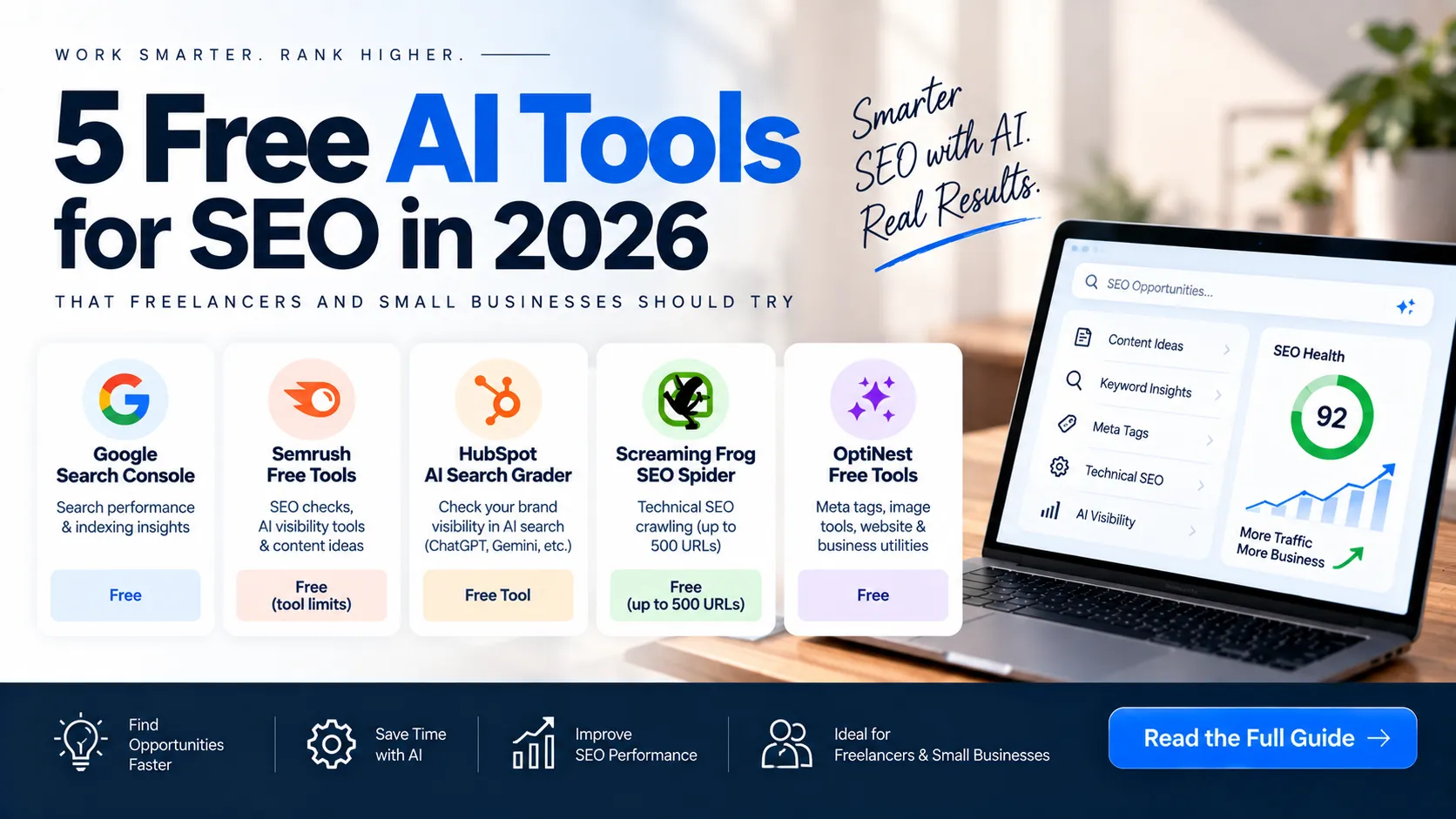
    SEO does not have to start with a $100+ monthly software bill. If you are a freelancer, WordPress developer, content writer, SEO consultant, or small agency owner, you can build a surprisingly capable SEO workflow using free tools.

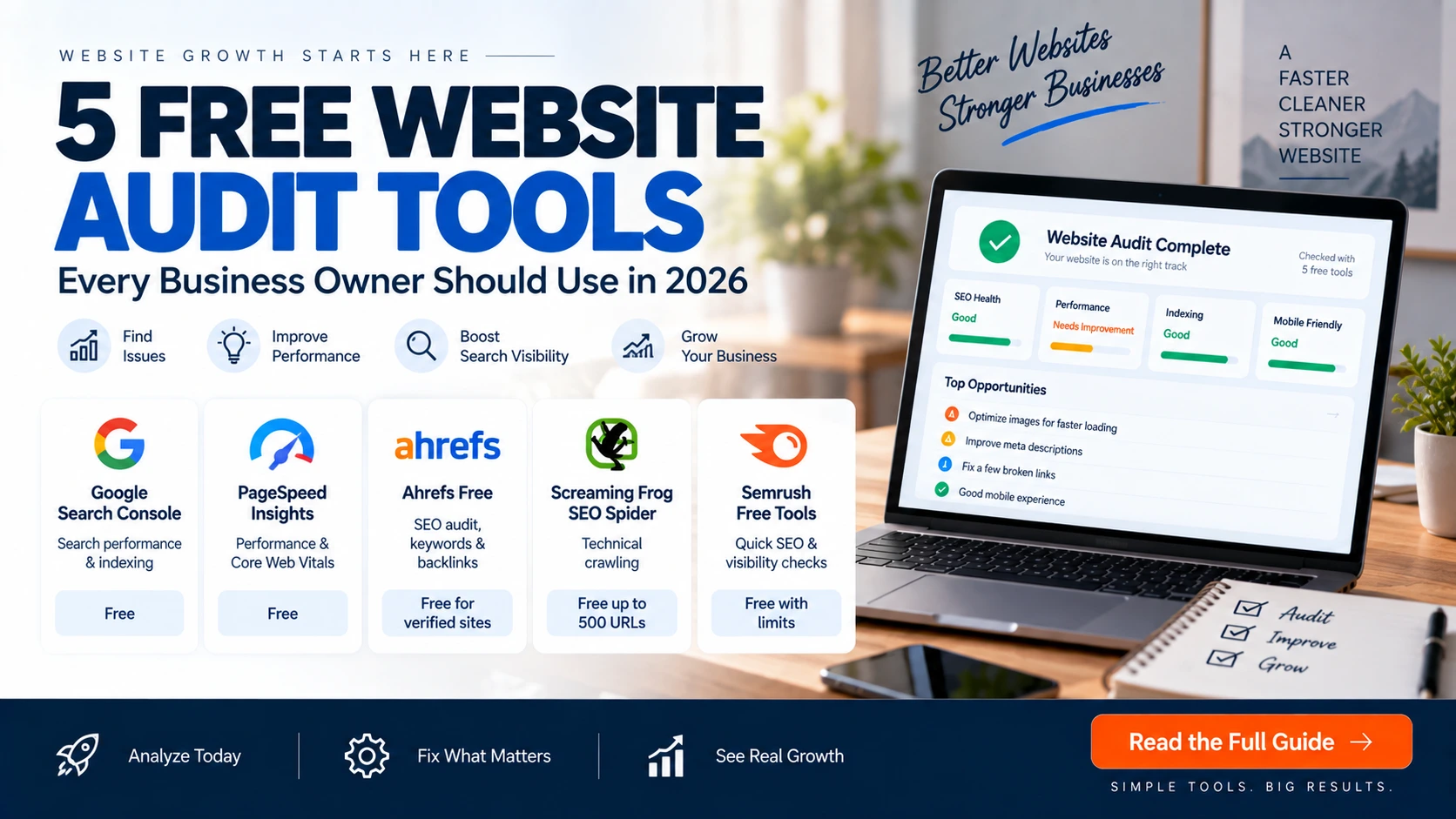
    The trick is not finding one magical platform that does everything. It is building a simple stack where each tool solves a different problem: Google Search Console for first-party search data, a crawler for technical checks, PageSpeed Insights for performance, and free SEO platforms for additional research and audits.

    We researched the current free and free-tier landscape for 2026 and shortlisted five tools that are genuinely useful for freelance SEO work. Some are completely free, while others have free tiers with clear limits. That distinction matters.

    Quick Comparison: 5 Free SEO Tools for Freelancers

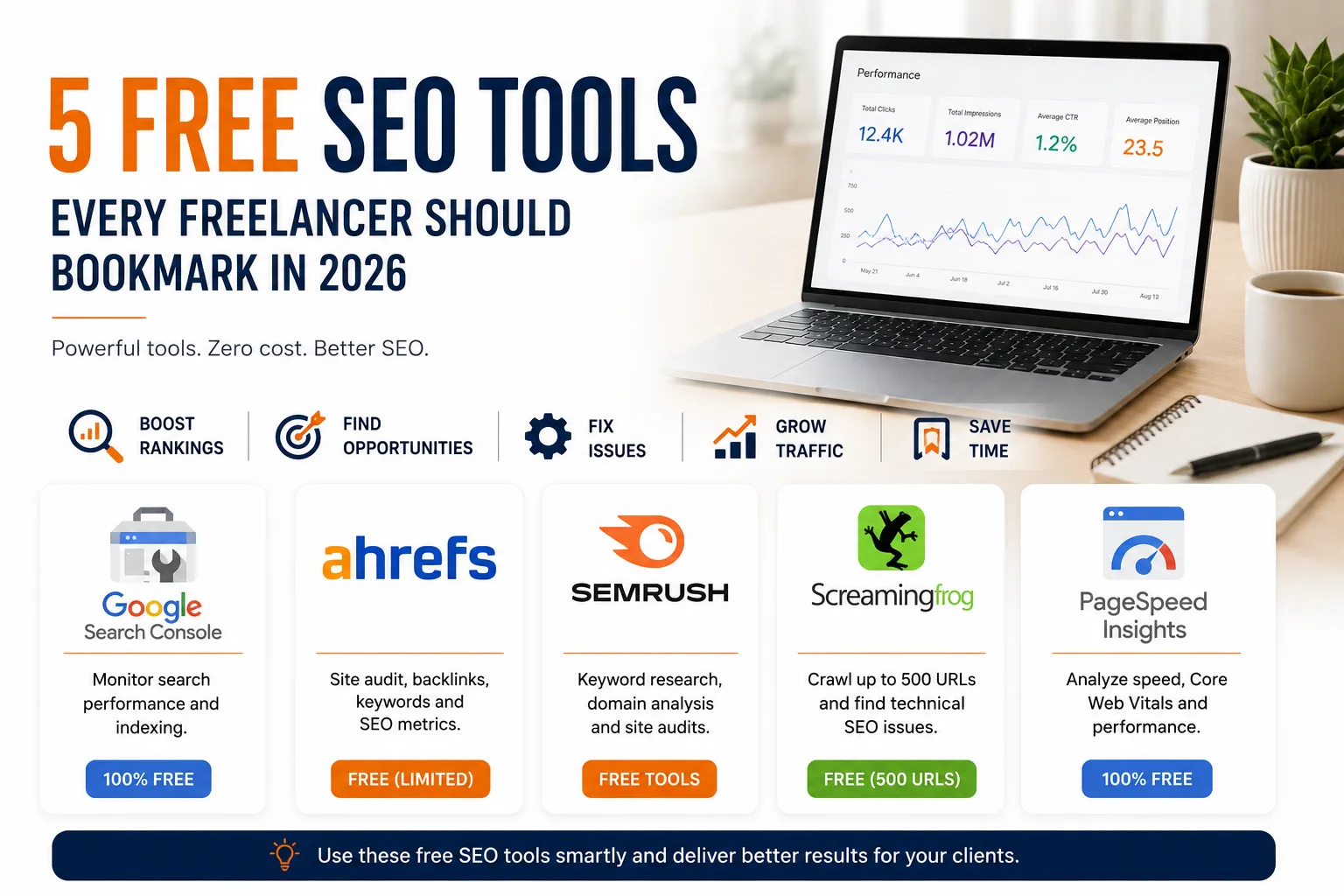
    ToolBest ForFree AccessBest Use
    Google Search ConsoleGoogle search performanceFreeQueries, clicks, impressions, indexing and Core Web Vitals
    Ahrefs FreeSite audit and SEO metricsFree for eligible/verified websites plus free toolsTechnical issues, backlinks and organic keywords
    Semrush Free ToolsQuick SEO researchFree tools availableAudits, authority checks, SERP and keyword-related tasks
    Screaming Frog SEO SpiderTechnical SEO crawlingUp to 500 URLs per crawlBroken links, metadata, redirects and technical checks
    Google PageSpeed InsightsWebsite performanceFreePerformance, accessibility and Core Web Vitals insights

    1. Google Search Console — The Tool Every Freelancer Should Know

    If you manage SEO for a client, Google Search Console should usually be one of the first tools you connect.

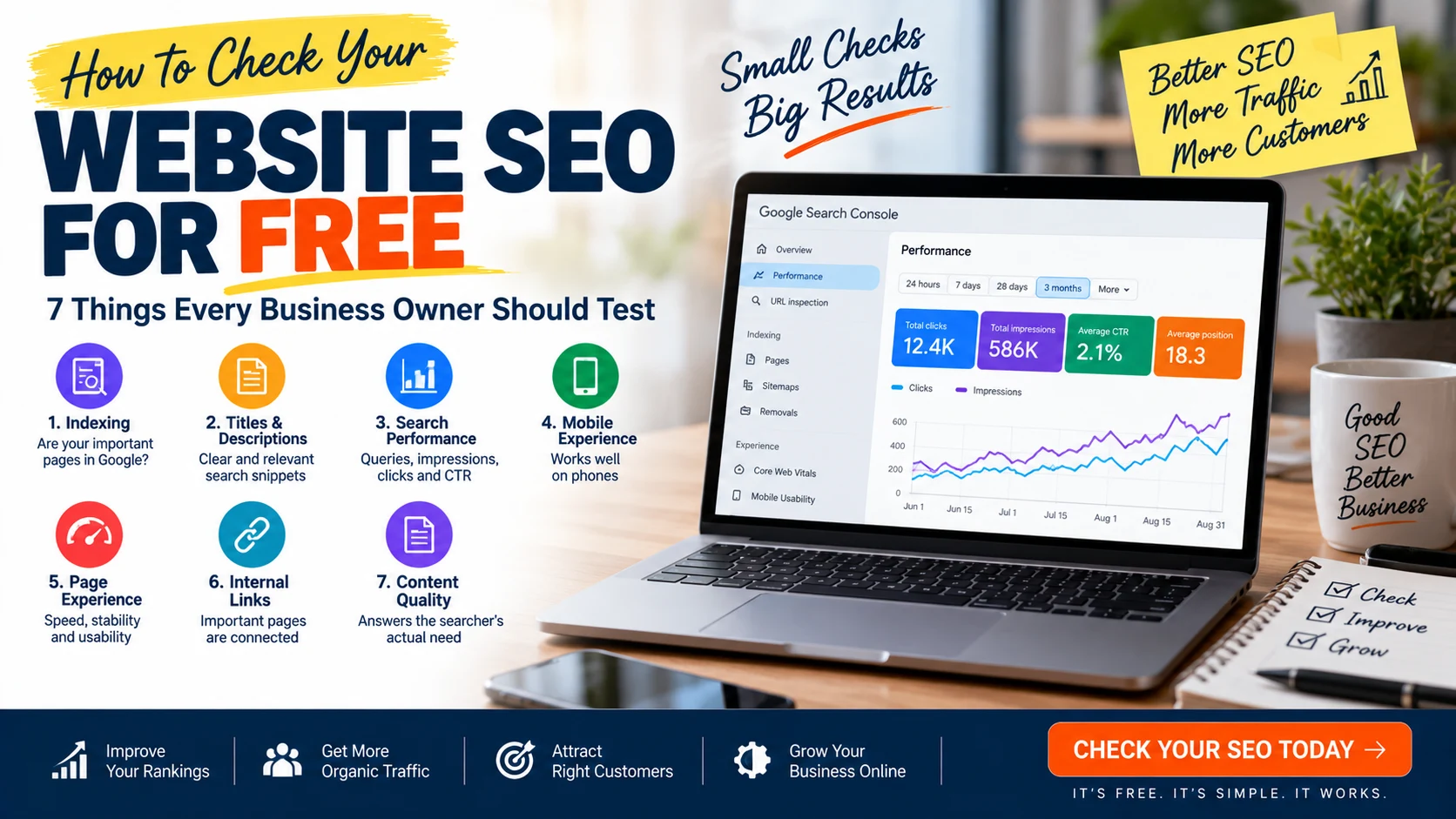
    Why? Because it gives you data directly about how a verified website appears in Google Search. You can see the queries bringing impressions and clicks, pages receiving search traffic, average position, indexing information, Core Web Vitals reports and other search-related issues.

    What freelancers can use it for

    • Finding keywords a website already ranks for
    • Finding pages receiving impressions but few clicks
    • Checking indexing status
    • Inspecting individual URLs
    • Submitting sitemaps
    • Monitoring Core Web Vitals
    • Finding opportunities to improve titles and content based on actual queries

    Best for: ongoing SEO monitoring and Google search performance.

    Important limitation: Search Console is first-party data for the property you have access to. It is not a replacement for a competitive SEO database that lets you freely research every competitor’s full keyword profile.

    Open Google Search Console

    2. Ahrefs Free — More SEO Data Without Immediately Buying a Subscription

    Ahrefs has expanded its free offering. Its current Ahrefs Free account provides limited access to tools including Site Explorer, Site Audit, Web Analytics, Social Media Manager, AI Content Helper and the SEO Toolbar. Some website-specific features require you to verify ownership.

    For freelancers, the most interesting part is the combination of technical auditing and SEO data. Ahrefs states that its free account can provide up to 5,000 Site Audit crawl credits per verified project per month and up to 1,000 backlinks and keywords visible at once in Site Explorer.

    What freelancers can use it for

    • Finding technical and on-page SEO issues on verified sites
    • Reviewing organic keywords for websites you can access
    • Checking backlink information
    • Looking at top-performing pages
    • Using the free SEO tools for keyword and backlink research
    • Checking basic SEO metrics through the browser toolbar

    Best for: freelancers who want more SEO data alongside Google Search Console.

    Important limitation: The free account has data and usage limits. It should be treated as a useful starting point, not as a full replacement for a paid enterprise SEO suite.

    Explore Ahrefs Free

    3. Semrush Free Tools — Useful When You Need a Quick SEO Check

    Semrush has a large collection of free tools that can be useful when you need to perform a quick task without opening a full paid SEO workflow.

    Its current free SEO collection includes tools for website SEO checking, authority analysis, SERP simulation, sitemap generation, competitor discovery and other marketing tasks. Semrush also states that many of these free tools can be used without signing up.

    Good freelancer use cases

    • Quick website SEO checks
    • Checking a website’s authority
    • Testing how titles and meta descriptions may appear in search
    • Generating an XML sitemap
    • Finding competitor websites
    • Exploring additional free marketing and AI tools

    Best for: quick checks and individual SEO tasks when you do not need a complete paid platform.

    Important limitation: Free tools and free access do not provide the same depth and allowances as a full paid Semrush subscription.

    Explore Semrush Free SEO Tools

    4. Screaming Frog SEO Spider — The Freelancer’s Technical SEO Workhorse

    When you need to crawl a website and find technical problems at scale, Screaming Frog SEO Spider is one of the most useful free options.

    The current free version allows you to crawl up to 500 URLs per crawl. It can identify broken links, errors, redirects, page-title and meta-description problems, robots directives, duplicate pages and other technical SEO issues.

    What you can audit

    • 404 errors and broken links
    • Redirects and redirect chains
    • Missing or duplicated page titles
    • Missing or duplicated meta descriptions
    • Robots directives
    • Hreflang attributes
    • Duplicate content/pages
    • Internal URL structure
    • XML sitemap generation

    Best for: technical SEO audits, especially when a client has a small or medium-sized website.

    Important limitation: The free version is limited to 500 URLs per crawl and does not include several advanced features available in the paid licence.

    Get Screaming Frog SEO Spider

    5. Google PageSpeed Insights — Check Performance Before Blaming SEO

    A website can have good content and still provide a poor user experience if its pages are slow or unstable. PageSpeed Insights is a free Google tool for checking page performance and related user-experience signals.

    For freelancers, it is particularly useful before and after a website optimization project.

    Use it to check

    • Mobile and desktop performance
    • Core Web Vitals-related signals
    • Performance opportunities
    • Accessibility opportunities
    • Best-practice recommendations
    • Potential improvements for images, scripts and page resources

    Best for: website performance checks and communicating technical improvements to clients.

    Important limitation: A PageSpeed score should not be treated as the same thing as a Google ranking score. Use the recommendations as diagnostic information and look at the overall user experience and real-world performance.

    Open Google PageSpeed Insights

    So, Which Free SEO Tool Should a Freelancer Use?

    Your TaskStart With
    See Google search queries and clicksGoogle Search Console
    Audit your verified website and inspect SEO dataAhrefs Free
    Perform a quick SEO or SERP-related taskSemrush Free Tools
    Crawl a website and find technical issuesScreaming Frog
    Check speed and Core Web Vitals-related performancePageSpeed Insights

    The Best $0 SEO Workflow for a Freelancer

    You do not need to open all five tools every day. A better approach is to use them in a workflow.

    1. Start with Search Console: understand what Google is already showing and where the opportunities are.
    2. Run an Ahrefs Free audit: identify technical, backlink and organic-search opportunities on verified websites.
    3. Crawl with Screaming Frog: find broken links, metadata problems, redirects and other structural issues.
    4. Check PageSpeed Insights: identify performance and user-experience issues.
    5. Use Semrush’s free tools: perform additional quick checks and research tasks when needed.

    This workflow can cover a large part of the basic SEO work needed for a freelancer managing smaller business websites.

    Do You Really Need Semrush or Ahrefs Paid Plans?

    Not always.

    If you are just starting freelancing, working with a few small websites, or learning SEO, the free stack above can take you a long way. The need for paid software usually becomes clearer when you require larger datasets, deeper competitor research, higher crawl limits, advanced rank tracking, reporting, historical data, content research or team workflows.

    The smarter approach is to first understand what information you actually need. Then pay for the capability that removes your biggest bottleneck.

    Final Verdict

    Free does not mean useless. In 2026, freelancers can build a surprisingly capable SEO toolkit without immediately paying for an expensive all-in-one platform.

    If we had to keep only five tools for a basic freelance SEO workflow, our shortlist would be:

    1. Google Search Console — for first-party Google search data
    2. Ahrefs Free — for additional SEO data and site auditing
    3. Semrush Free Tools — for quick SEO tasks and research
    4. Screaming Frog — for technical crawling
    5. PageSpeed Insights — for performance diagnostics

    The goal is not to collect dozens of SEO subscriptions. The goal is to know which tool solves which problem and use it consistently.

    Need Help With SEO or Your Website?

    If you are spending hours trying to diagnose SEO problems, improve rankings or turn your website into a better lead-generation channel, OptiNest Solutions can help with website development, SEO and digital growth solutions.

    Explore OptiNest SEO & Digital Services →

    Frequently Asked Questions

    What is the best free SEO tool for freelancers?

    Google Search Console is the essential starting point because it provides first-party data about how your verified website performs in Google Search. For technical work, Screaming Frog and Ahrefs Free complement it well.

    Can I do SEO without paying for Semrush or Ahrefs?

    Yes. For smaller websites and early-stage freelance work, a combination of Google Search Console, PageSpeed Insights, Screaming Frog’s free version and selected free SEO tools can cover many common SEO tasks. Paid platforms become more valuable as your data and workflow requirements grow.

    Is Screaming Frog completely free?

    Screaming Frog SEO Spider has a free version that allows up to 500 URLs per crawl. Advanced features and higher crawl limits require a paid licence.

    Is Ahrefs Free really free?

    Ahrefs currently offers a free account with limited access to several tools. Some website-specific features require ownership verification, and the free account has documented data limits.

    Are free SEO tools enough for a professional freelancer?

    They can be enough for many small websites and early freelance projects. However, professional needs vary. If you manage many clients, need deeper competitor research, advanced rank tracking or large-scale reporting, paid tools can save significant time.